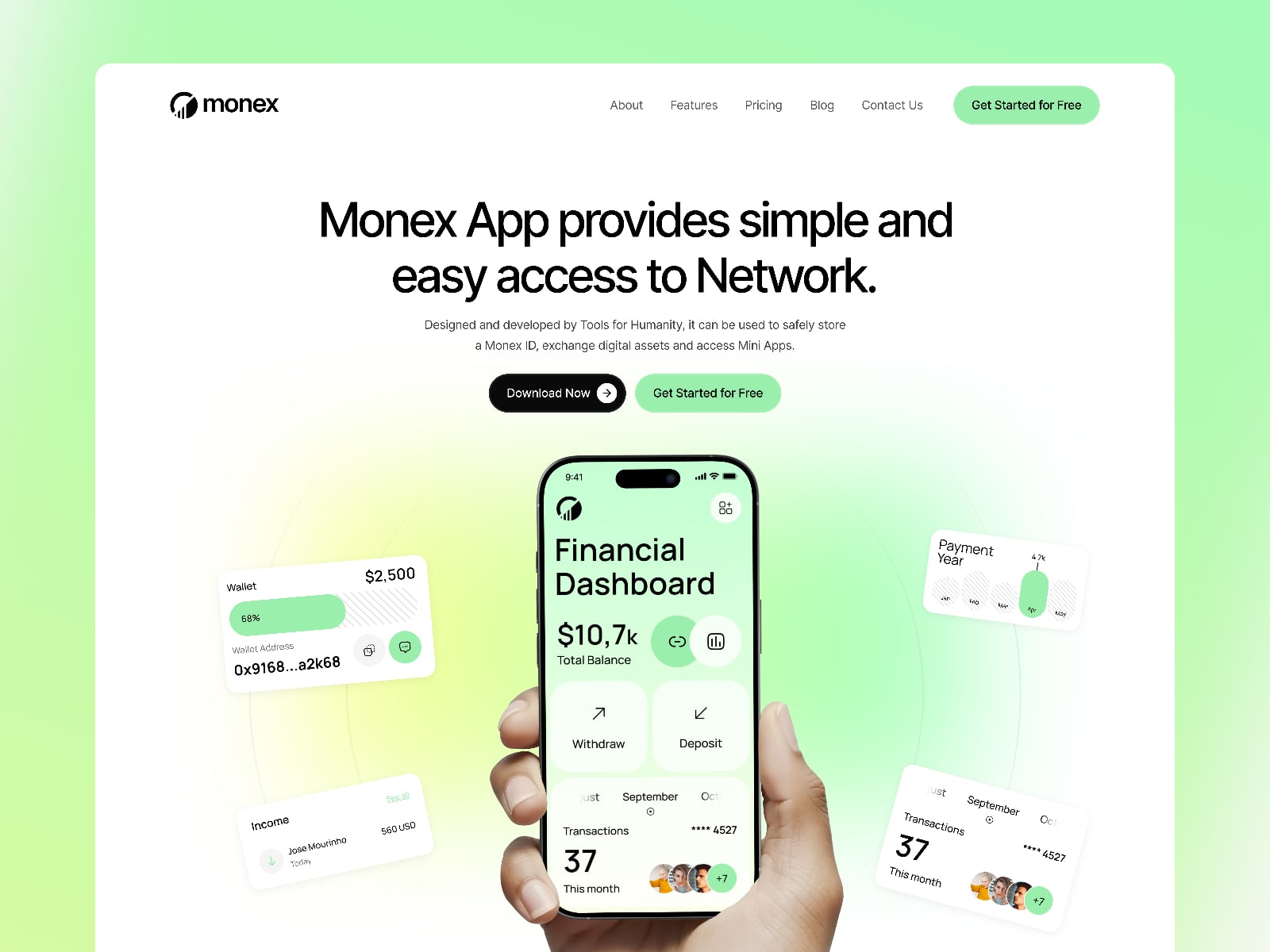
SaaS template guide
Best Framer templates for SaaS websites
Compare Framer templates for SaaS websites, AI tools, startups, and product landing pages with a free-first selection approach.
SaaS templates need a clear explanation path
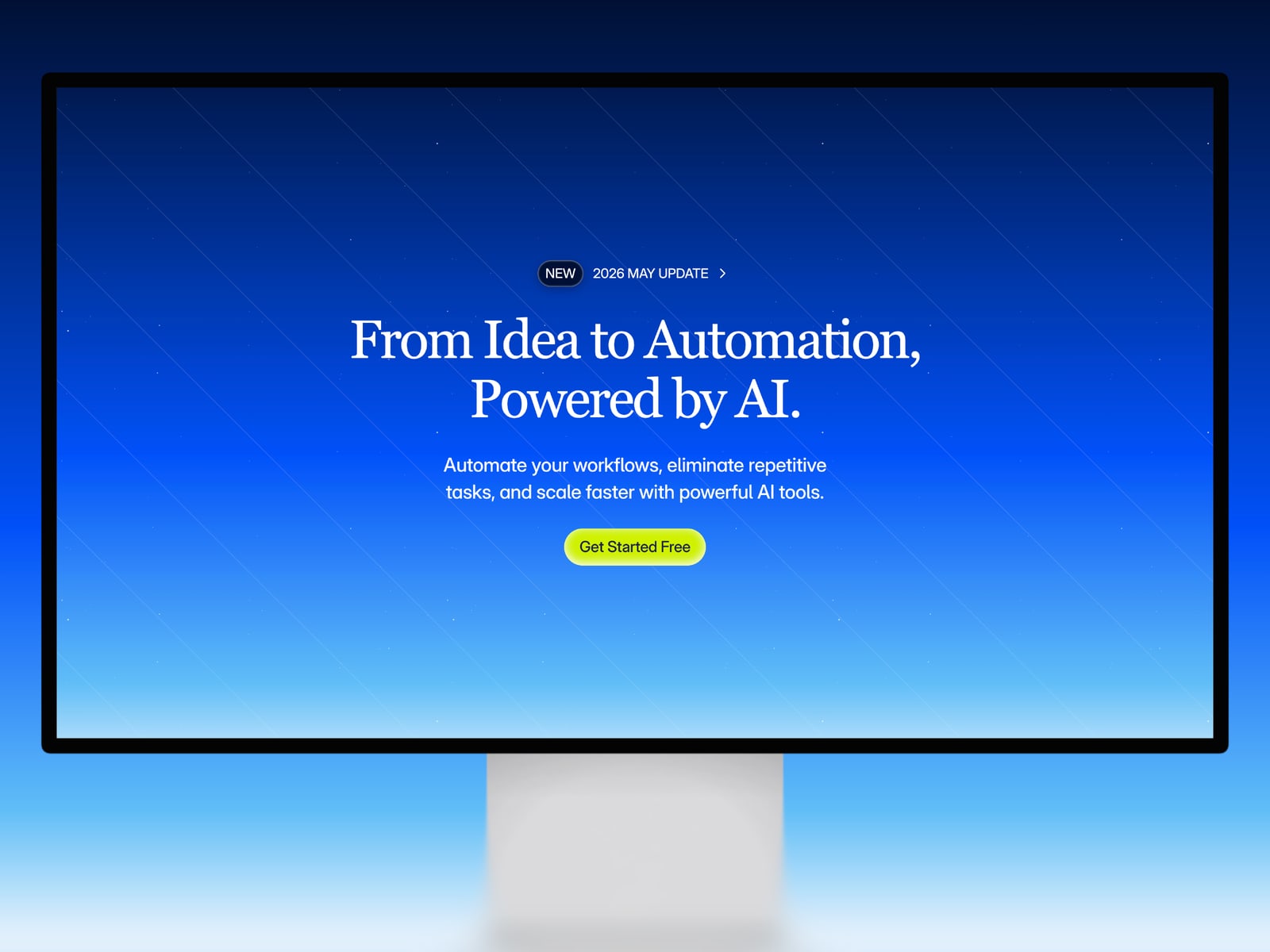
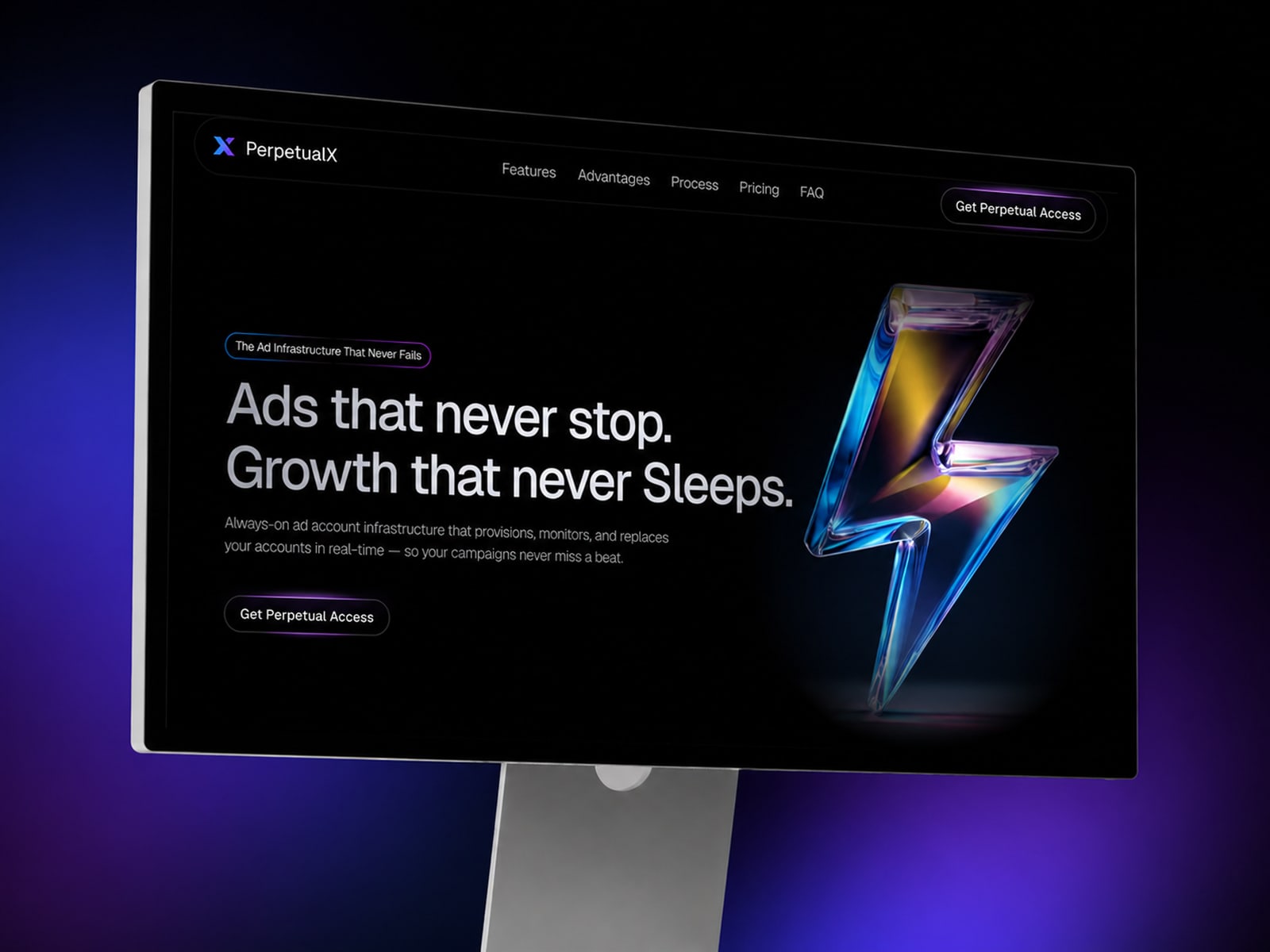
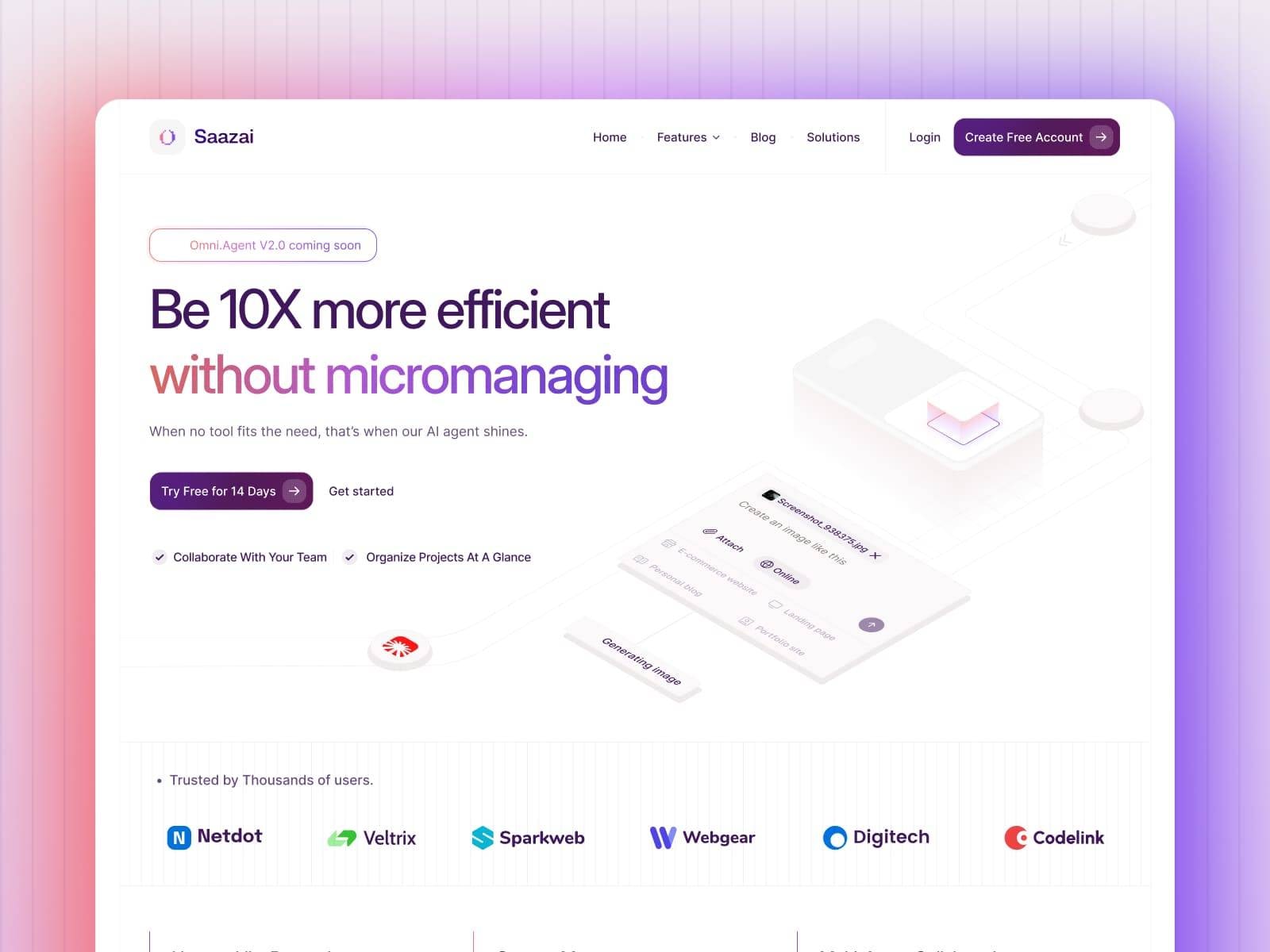
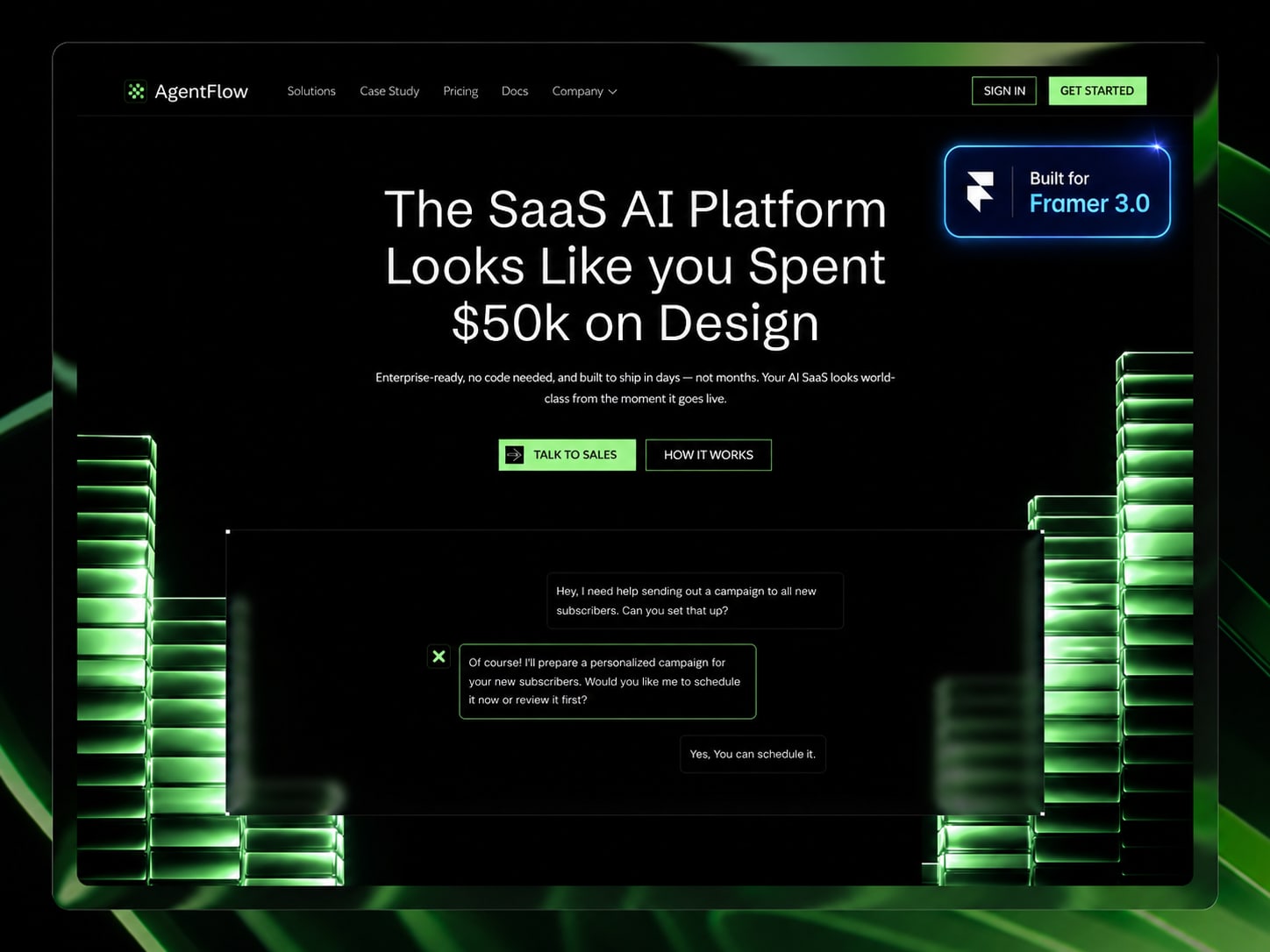
A SaaS website has to explain the product quickly, show why it matters, and give visitors enough proof to continue. A strong Framer SaaS template should include a clear hero, feature sections, social proof, pricing or plan space, FAQs, and a focused call to action.
If a template only looks futuristic but cannot explain the product, it will slow the launch down.
Free SaaS templates are useful for early validation
For an early product, a free Framer SaaS template is often enough to test the story. You can remix the template, replace the demo copy, and see whether the structure supports your product before buying a larger paid system.
Free is especially practical for AI tools, waitlists, simple product launches, and single-product landing pages.
Paid SaaS templates help when the site is bigger
Choose a paid SaaS template when you need multiple feature pages, comparison sections, integrations pages, changelog, blog, case studies, or a more complete pricing flow.
The paid upgrade should map to real content you plan to publish, not just a more complex demo.
What to inspect in the preview
Check the product narrative from top to bottom. The page should move from promise to explanation to proof to action. Also inspect mobile spacing, pricing sections, form states, and whether the template can support screenshots or product visuals cleanly.
The related picks below start with practical templates that can support SaaS and startup use cases.
Related templates