Selection framework
How to choose a Framer template
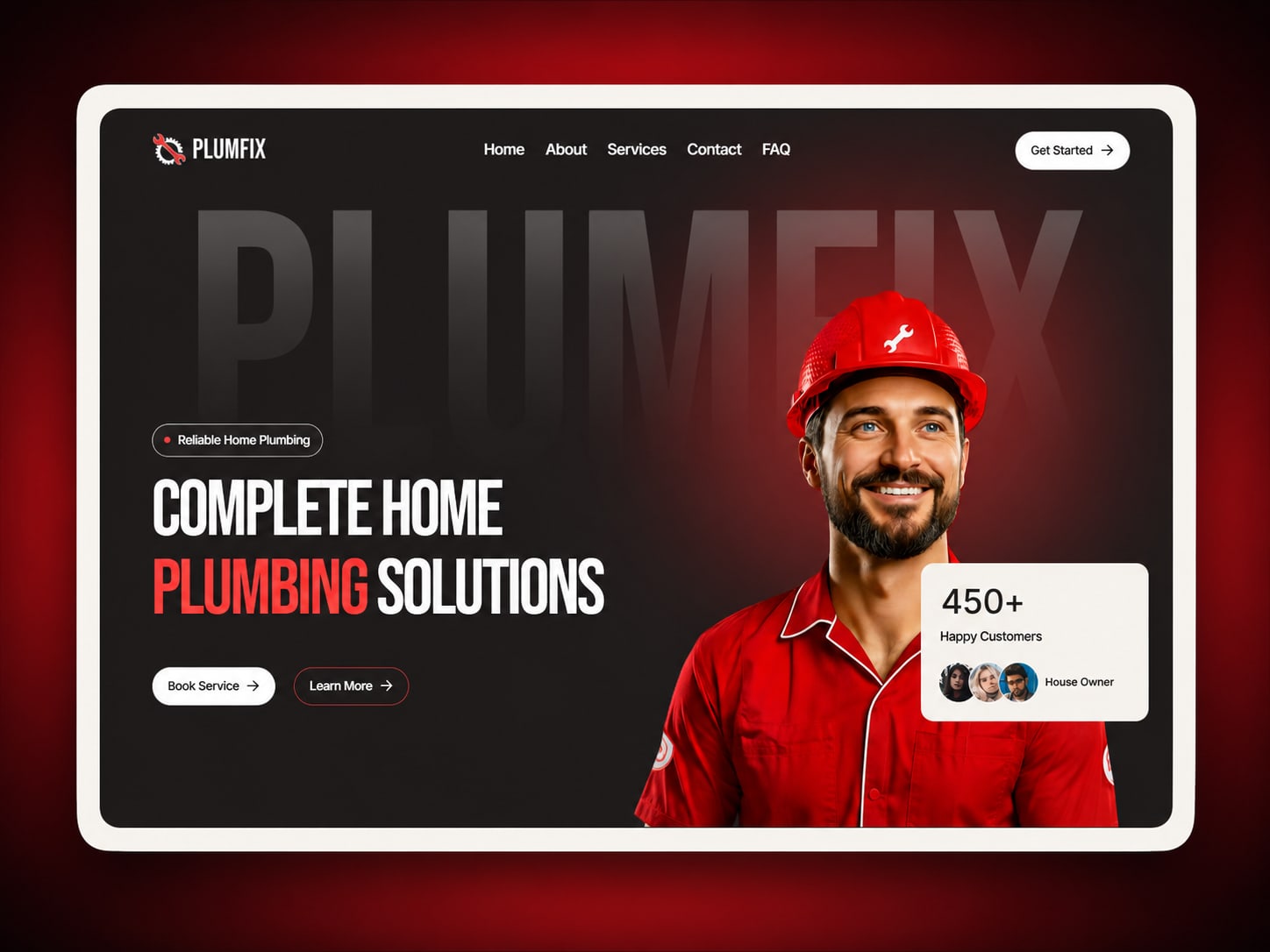
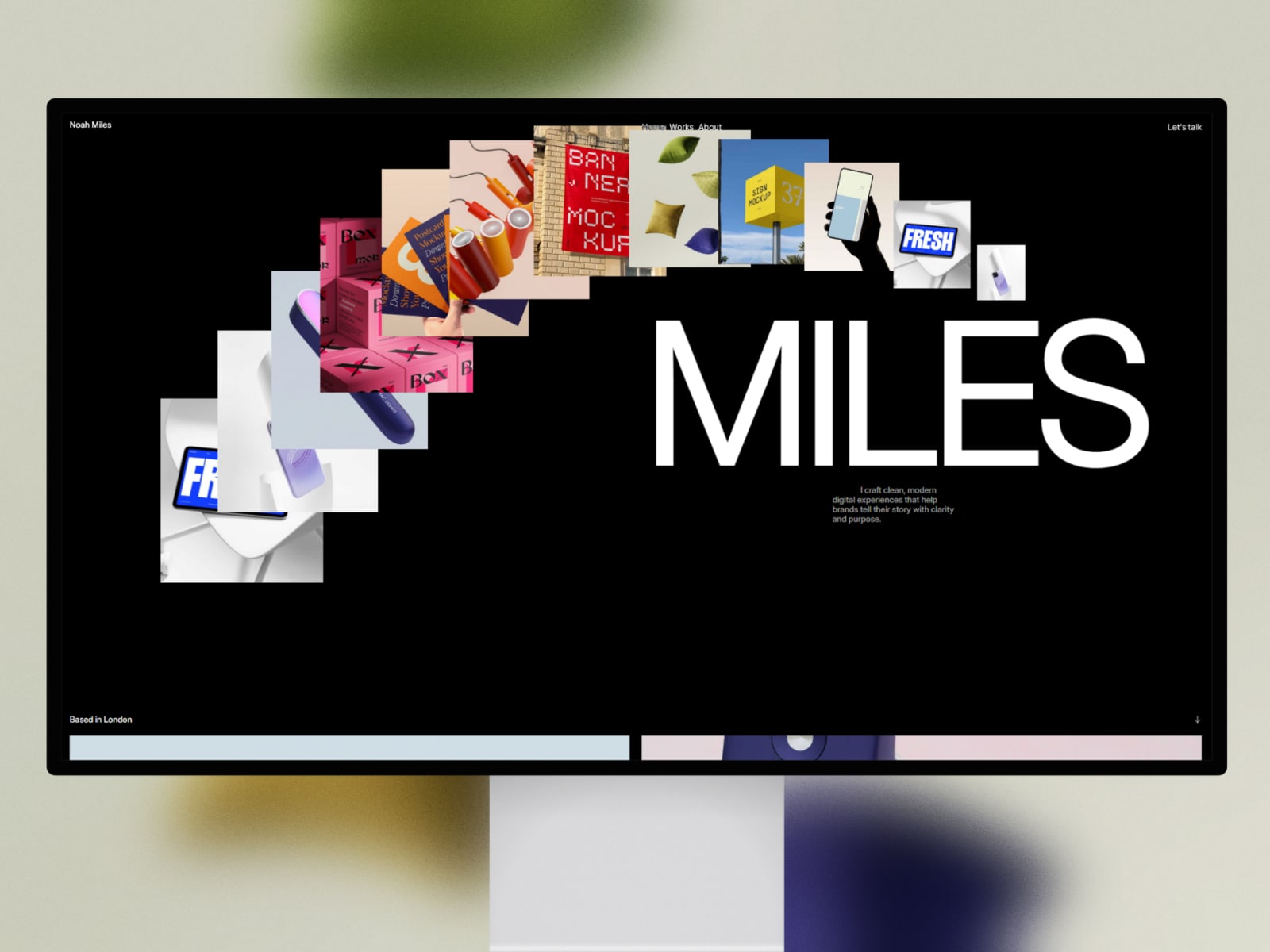
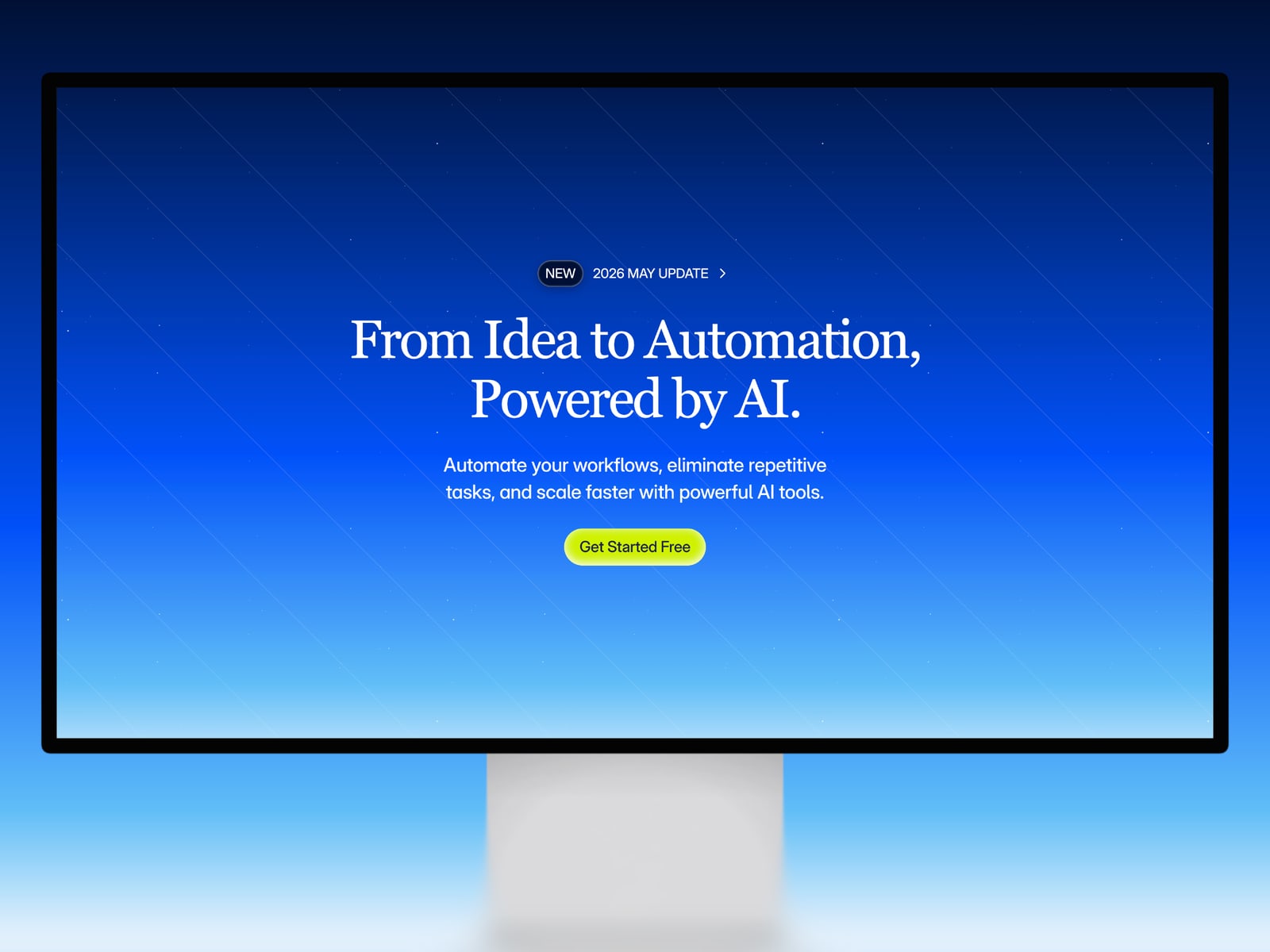
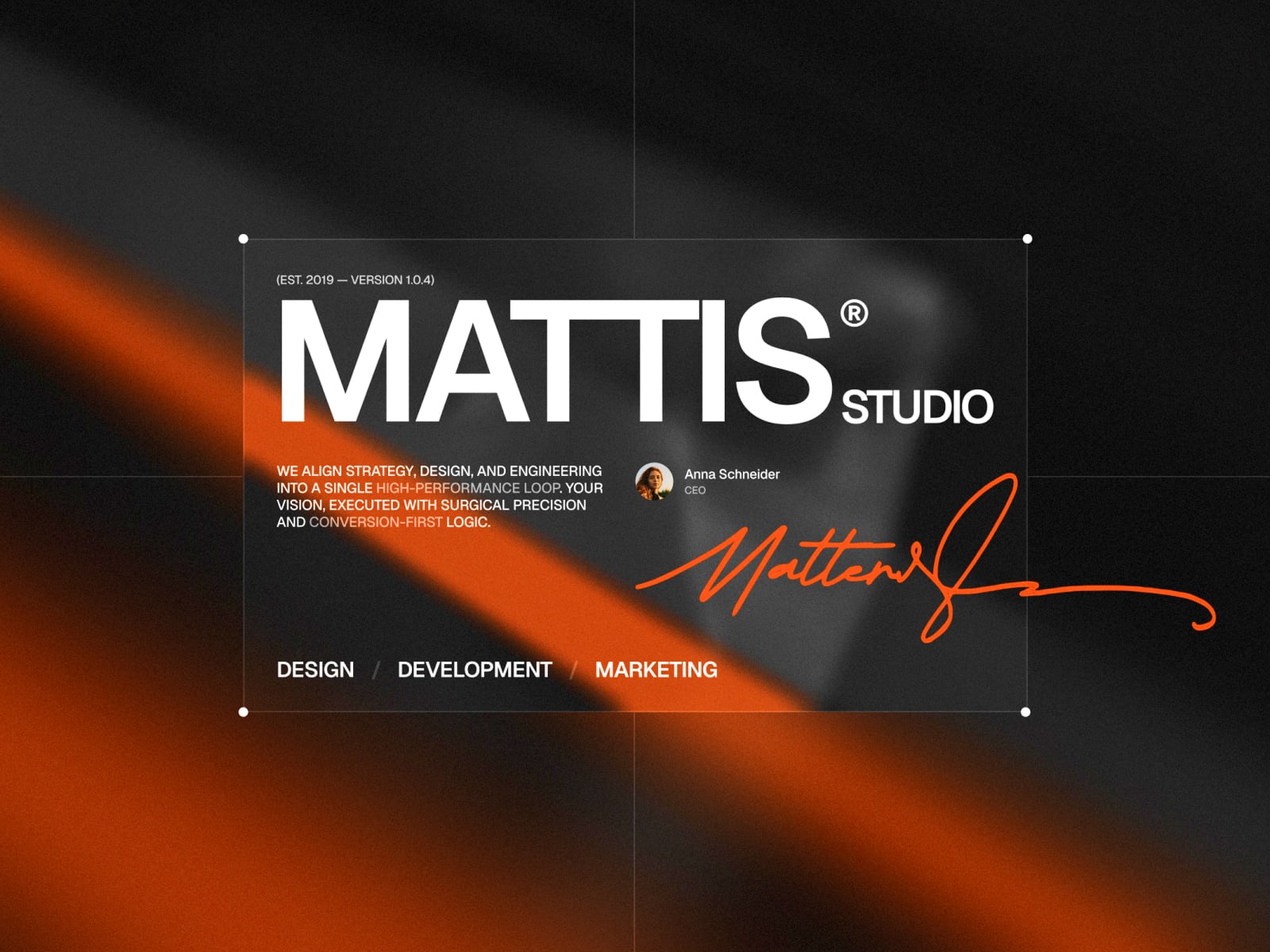
Choose a Framer template by matching your site goal, content model, mobile behavior, CMS needs, and budget before you remix or buy.
Start with the job of the website
Before choosing a template, name the job of the site. Is it a portfolio, a lead-generation agency site, a SaaS landing page, a personal website, or a content-heavy product site?
The best template is the one whose structure already fits that job. If you have to delete most of the page or invent the core sections yourself, the template is not saving enough work.
Check the content model
Look at the kinds of content you need to manage. Projects, blog posts, services, team members, case studies, and pricing plans all imply different structures. A template with CMS support is useful only when it supports the content you actually need.
For a simple launch, static sections may be enough. For a site that will grow, CMS completeness matters more.
Preview the mobile version
Mobile behavior is a fast quality signal. Check whether navigation, image crops, buttons, and long text still feel designed on a small screen. A template that only works on desktop will cost you time later.
Also scan the form and contact paths. If the main action is hard to reach on mobile, the template needs work before publishing.
Prefer free until the missing work is obvious
Free Framer templates are the best first filter. Remix one when it matches your category and basic page needs. Move to a paid template when the free option clearly lacks page depth, CMS structure, or the commercial sections your site needs.
This keeps the decision practical instead of aesthetic-only.
Related templates